 Cyber
Cyber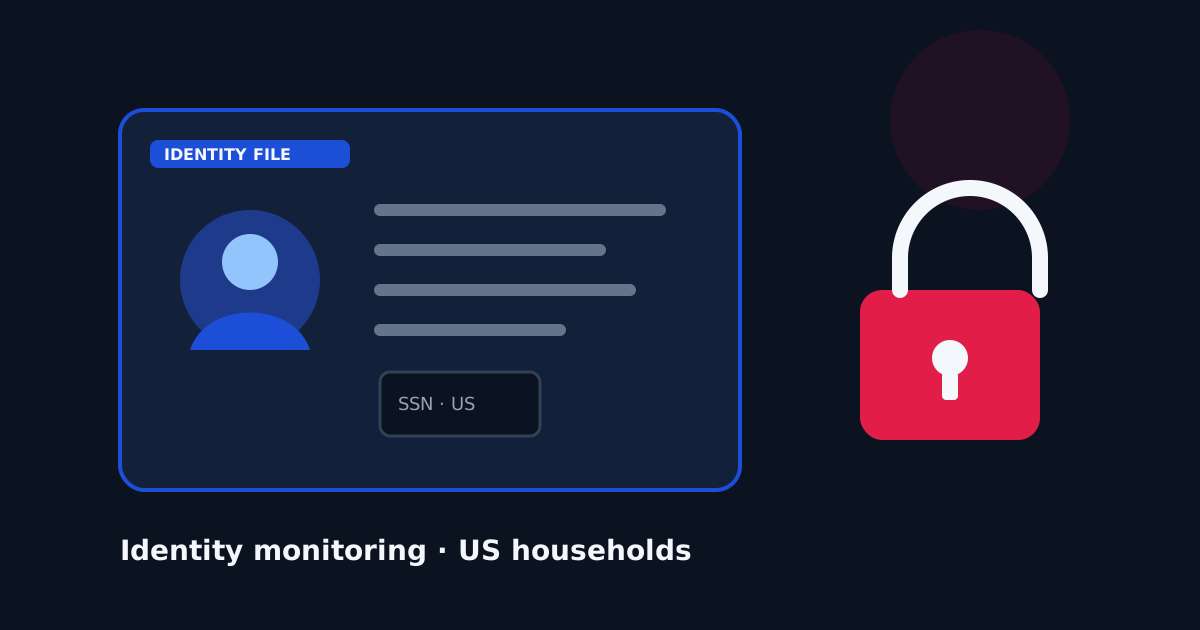
US households shop for Norton for a different reason than they shop for a lightweight scanner. The question is often “who will notice if my Social Security number or a tax transcript shows up in a dump?” Antivirus can block a malicious download. It cannot watch dark-web markets or a credit header for your name. That second job is identity monitoring, and on many Norton 360 US plans it is sold as LifeLock. This guide is about that job. It is not a claim that Norton is an official government partner, and it is not a promise that monitoring prevents a breach. Monitoring tells you after data is already circulating.
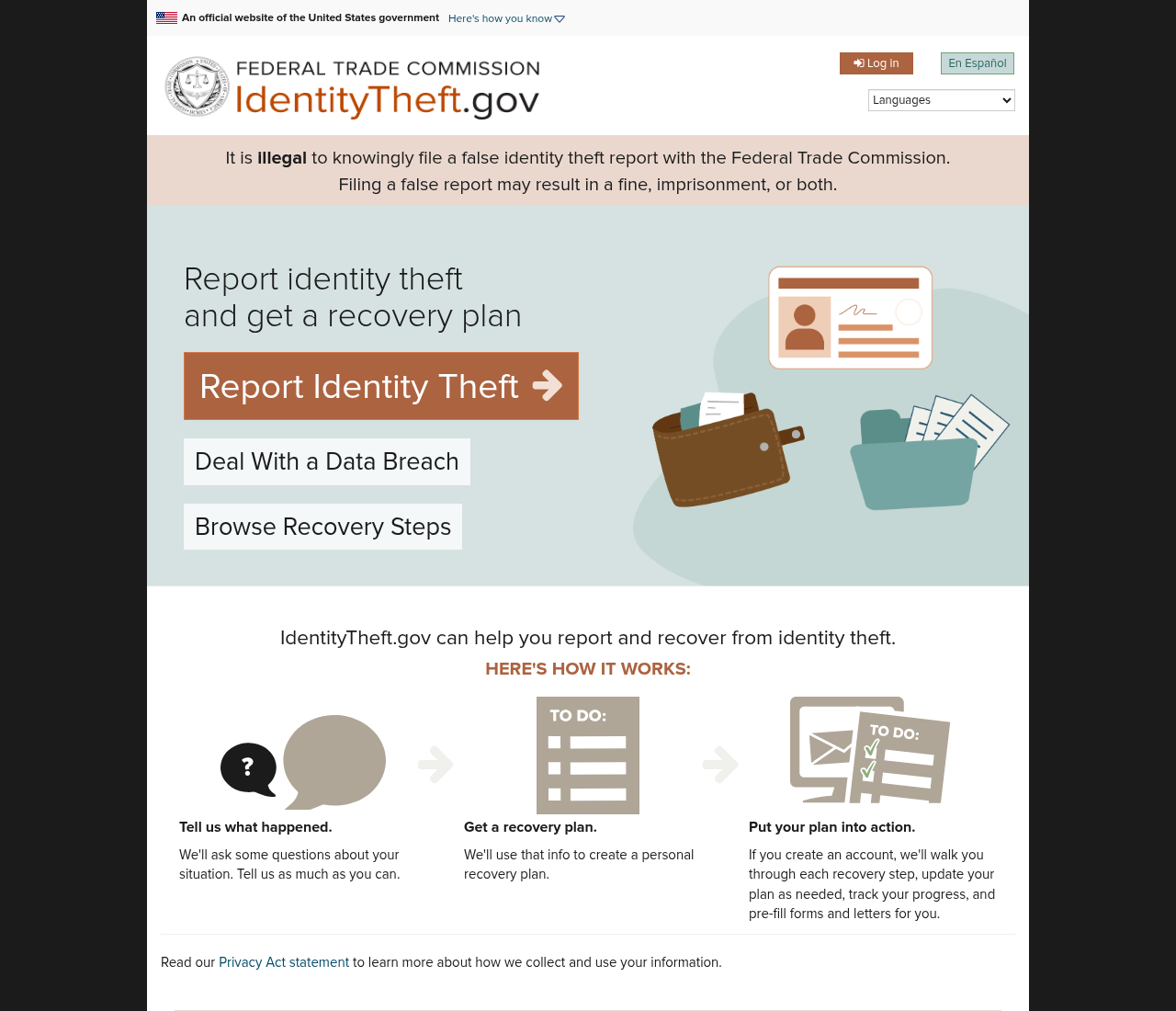
If you already know a number was exposed, start with the federal recovery site, IdentityTheft.gov, and the credit bureaus’ freeze pages — not with a shopping tab. A freeze at Equifax, Experian, and TransUnion is a free US right and blocks most new-credit fraud even if you never buy a suite. File your taxes early if you worry about a fraudulent return. Those steps work whether or not you pay Norton. A paid plan is optional insurance and a dashboard, not a substitute for a freeze.
What LifeLock-style monitoring actually does
On current US Norton 360 tiers that include LifeLock, the product story is dark-web and identity monitoring: alerts if identifiers such as a Social Security number, certain bank or card details, or a driver’s license appear in streams Norton watches. Higher US tiers advertise more restoration support and larger insurance-style benefit amounts. Those dollar figures, covered events, and exclusions live in Norton’s current terms. Read them on the checkout and policy pages. We do not reprint benefit caps here because they change by plan and year.
Monitoring is not the same as a credit freeze. An alert can arrive after an account already exists. Restoration help is a concierge process, not a court that reverses every fraudulent loan. If your household already gets similar alerts from a credit union, a card issuer, or a standalone LifeLock plan, stacking another monitor may only add email noise. If nobody in the house has any monitor and you file US taxes jointly, one well-understood dashboard can be worth paying for — as long as you still freeze credit and lock down the email account that receives IRS and bank resets.
Antivirus extras that ride along
Norton 360 still includes a conventional malware scanner, a VPN on many plans, and cloud backup on some US tiers (our comparison pages have cited up to 50 GB on standard plans — confirm the exact allotment on the offer you see). Backup is the piece that actually helps after ransomware, and only if it is turned on and does not silently fail. After install, check that the backup set includes tax PDFs and photos, and keep one offline copy anyway. A VPN is useful on hotel Wi-Fi; it is not identity theft protection.
Norton advertises a virus-removal promise on some plans: if the software cannot remove a virus, Norton describes a refund or expert-assisted path in its own policy. That is Norton’s policy, not a CyberGuardLab guarantee and not a federal entitlement. Eligibility, time limits, and “what counts as a virus” are defined by Norton. Read the current wording on Norton’s checkout or support pages before you treat it as a reason to buy. We will not relabel it as our promise.
When Norton is a poor fit
On older hardware, full-system sweeps can feel heavy. If the laptop you are protecting is a 2017 HDD machine, see our older-PC guide before you drop a large suite on it. Renewal prices on security bundles often jump after the first year; put the renewal date on a calendar. If you only want a scanner and you already froze credit, Microsoft Defender plus the free freeze may be the honest cart. If you want five mixed devices and you care about an independent Windows lab window, compare that job in our Bitdefender testing guide.
A US identity shopping list (suite optional)
- Freeze credit at all three nationwide bureaus. Store the PINs offline.
- Turn on two-factor authentication for email, IRS Online Account if you use it, Social Security, and banks.
- Use a unique password on that email. A password manager helps; it does not have to be Norton’s.
- If you buy monitoring, write down what is watched (SSN, bank, kids) and who gets the alerts.
- If you buy backup, run a restore test of one folder. An untested backup is a hope.
- Keep IdentityTheft.gov bookmarked. A paid dashboard does not replace the federal recovery checklist.
For the product-page feature list and editorial score, use the Norton 360 review. This article is the scene: a US household that is shopping because of identity theft, not because a banner said “#1.” Paid LifeLock-style tools are optional. Freezes, unique email, and a backup you can restore are not.