 Cyber
Cyber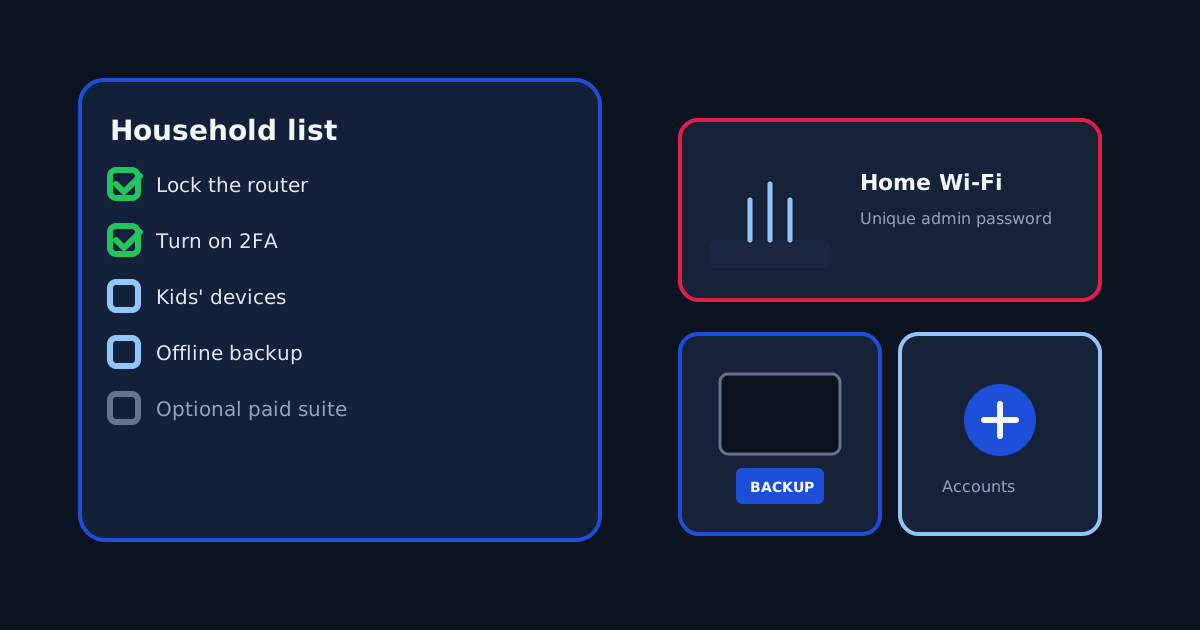
A US household can do most of its privacy work without buying antivirus. Microsoft Defender (or the built-in protections on a Mac or phone) plus a locked router, unique passwords, two-factor authentication, and a backup you have restored once will beat a paid suite sitting on top of a default router password. Paid tools are optional extras for specific jobs. This checklist is the unpaid core. The five product guides we publish — TotalAV, Norton, Bitdefender, McAfee, Avast — are linked at the end as optional paid paths, clearly labeled.
1. Router and home network
Find the admin sticker. Change the admin password so it is not the Wi-Fi passphrase and not “admin.” Prefer WPA3, or WPA2-AES if an old TV blocks you. Disable WPS and remote administration from the internet. Install firmware from the router or ISP app. Put cameras, plugs, and a smart TV on a guest network. Name every DHCP client you recognize. If a device you do not own appears, change the Wi-Fi passphrase. A paid Wi-Fi inspector can list the same devices; it does not replace those steps. Details sit in the Avast home Wi-Fi guide.
2. Accounts that can reset everything else
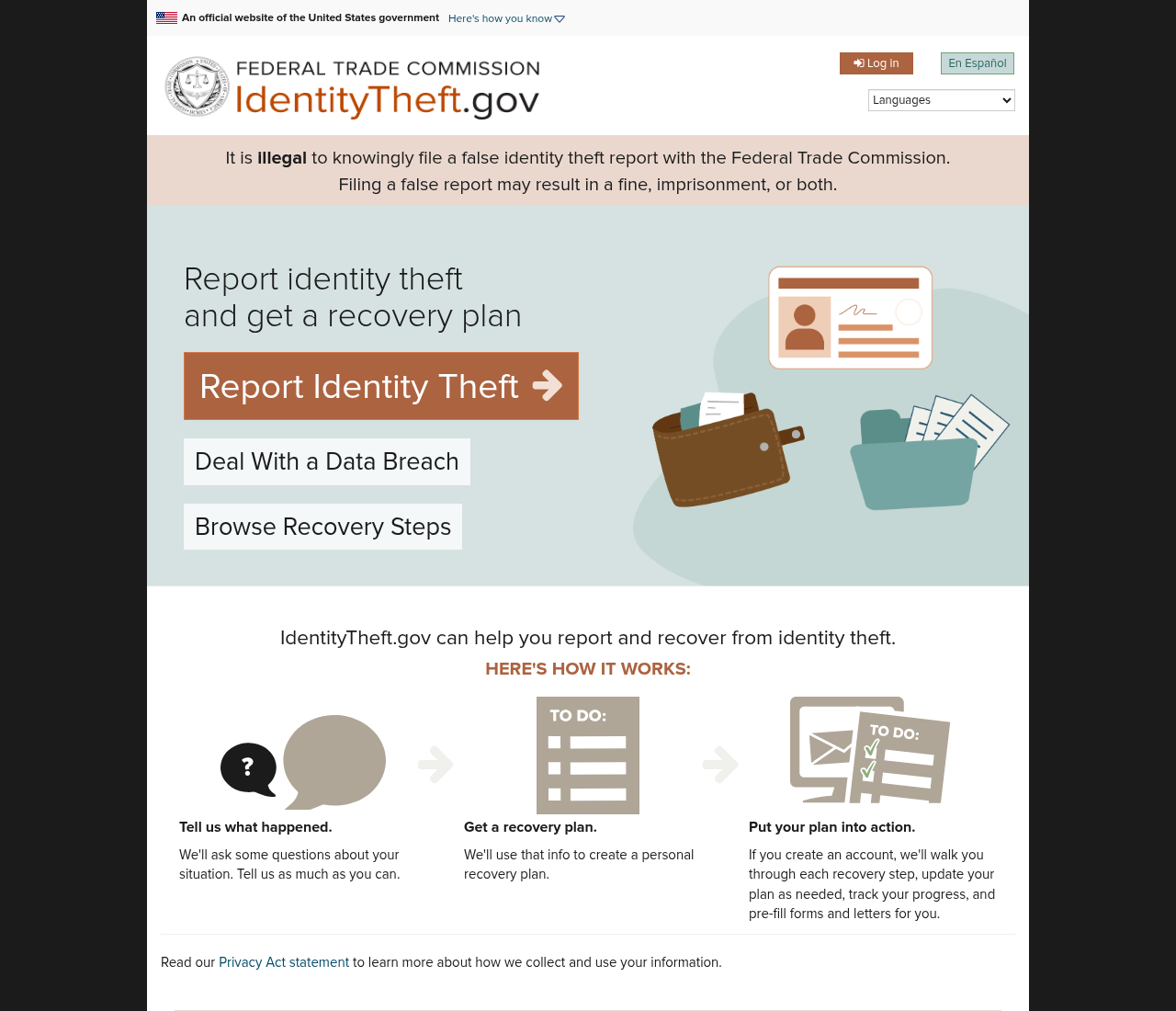
The email inbox that receives bank and IRS password resets is the master key. Give it a unique password stored in a password manager (the free built-in manager in the browser is acceptable if you turn on its sync encryption and a strong account password). Turn on two-factor authentication — an authenticator app or a hardware key, not SMS if you can avoid it. Do the same for Apple ID, Google, Microsoft, Social Security, and IRS Online Account if you use them. A credit freeze at Equifax, Experian, and TransUnion is free in the US and does more against new-account fraud than any scanner. If a number was already exposed, use IdentityTheft.gov. Paid identity monitoring is optional; see the Norton identity guide.
3. Kids’ devices
School Chromebooks are usually managed by the district. Do not fight that image. For phones and tablets the family owns, pick one stack and explain it: Apple Screen Time, Google Family Link, or a suite’s parental controls — not all three overlapping. App-store purchases should require a parent. Location sharing is a family policy, not a default. Teens need to know what is logged. A family antivirus license is optional coverage for the home Windows PC and phones you administer; count those devices before you pay, as in the McAfee family guide.
4. Backups you can actually restore
Ransomware and a dead laptop are the same problem if the only copy of tax PDFs lives on one disk. Use the 3-2-1 idea in household form: working files on the PC, a second copy on an external drive you unplug, and if you want a third, a cloud account with its own unique password and two-factor authentication. Restore one folder this weekend. An untested backup is a story you tell yourself. Cloud backup that ships inside a security suite (some Norton plans include a capped allotment) is fine if you confirm the folder list. It is still not a reason to skip the unplugged drive.
5. The PC itself
Stay on a supported Windows 10 or 11 build, or a current macOS. Uninstall security trials you are not paying for so two real-time scanners do not collide. Microsoft Defender is the default on Windows; it is a valid end state. If an older laptop needs cleanup and a simple VPN for travel, that is a shopping scene, not a requirement — see the older-PC guide. If you buy because of a lab chart, read the chart on the lab’s site, as in the Bitdefender testing guide.
Optional paid tools (not required)
Only after the list above is in motion should a household consider paying. Each link below is a sponsored affiliate link to the same offers we use on product pages. We may earn a commission. Confirm price, renewal, device limits, and refund terms on the vendor checkout. You can also read the unpaid guide first and buy nothing.
Optional paid extras are jobs, not a requirement. If you still want one after this list, use 5 antivirus extras worth paying for in 2026 — one labeled paid link per extra, and buying nothing is valid. We do not put five offer buttons on a free checklist.
Printable order for a Saturday
- Router admin password, firmware, WPA2/WPA3, guest network for IoT.
- Email + Apple/Google/Microsoft two-factor authentication. Unique passwords.
- Credit freeze if you have not done it. Bookmark IdentityTheft.gov.
- External backup of Documents and photos. Restore one file to prove it.
- Kids: one parental-control stack, explained out loud.
- Windows Update. Remove leftover security trials.
- Only then, if a specific job remains, open one guide — not five carts.
CyberGuardLab is an independent comparison site. We are not the vendors. Editorial scores on review pages are opinions of fit, not lab certificates. This checklist is the piece we wanted in the Blog column: a household procedure that still works if you never click a paid link.