 Cyber
Cyber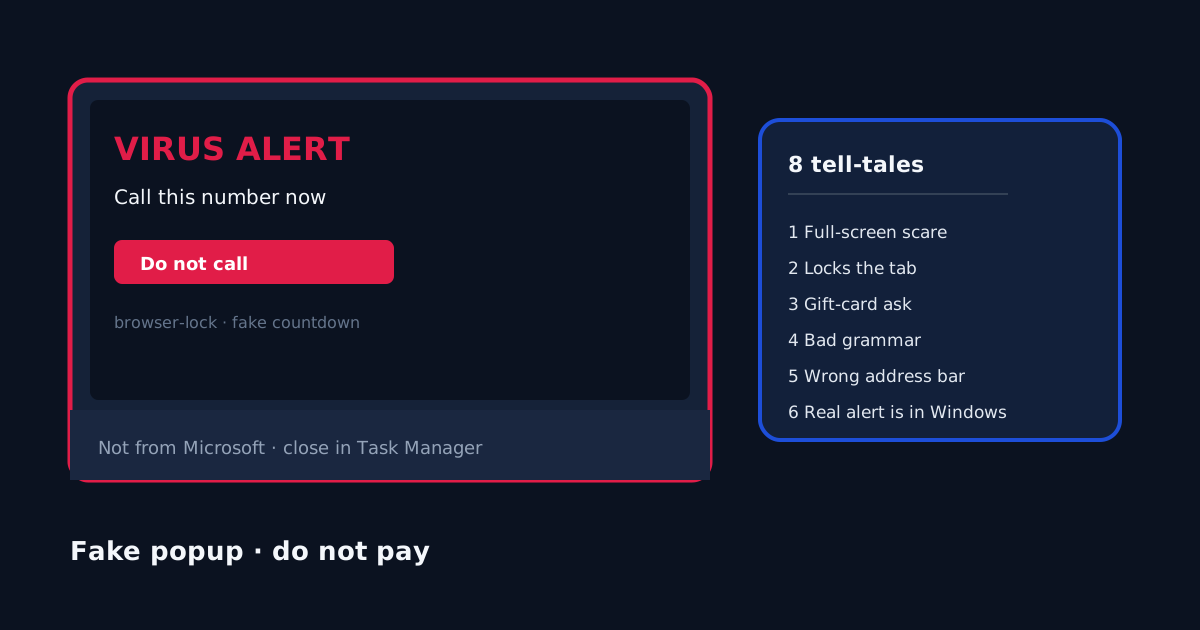
A full-screen “virus” page that tells you to call a number is almost never Windows Security. A common household variant changes the scare every time you reboot: new wording, new phone number, same lock on the browser. That is a tech-support scam, not a lab detection. The Federal Trade Commission describes the pattern: pop-ups that impersonate a well-known company, demand a call, then ask for remote access or payment. Close the page. Do not call. Do not pay with gift cards. Microsoft Defender and Windows Security are where a real threat notice lives. Buying a paid suite is not the way to kill the popup. Buying nothing after you close it is valid.
1. It fills the screen and tells you to call a number
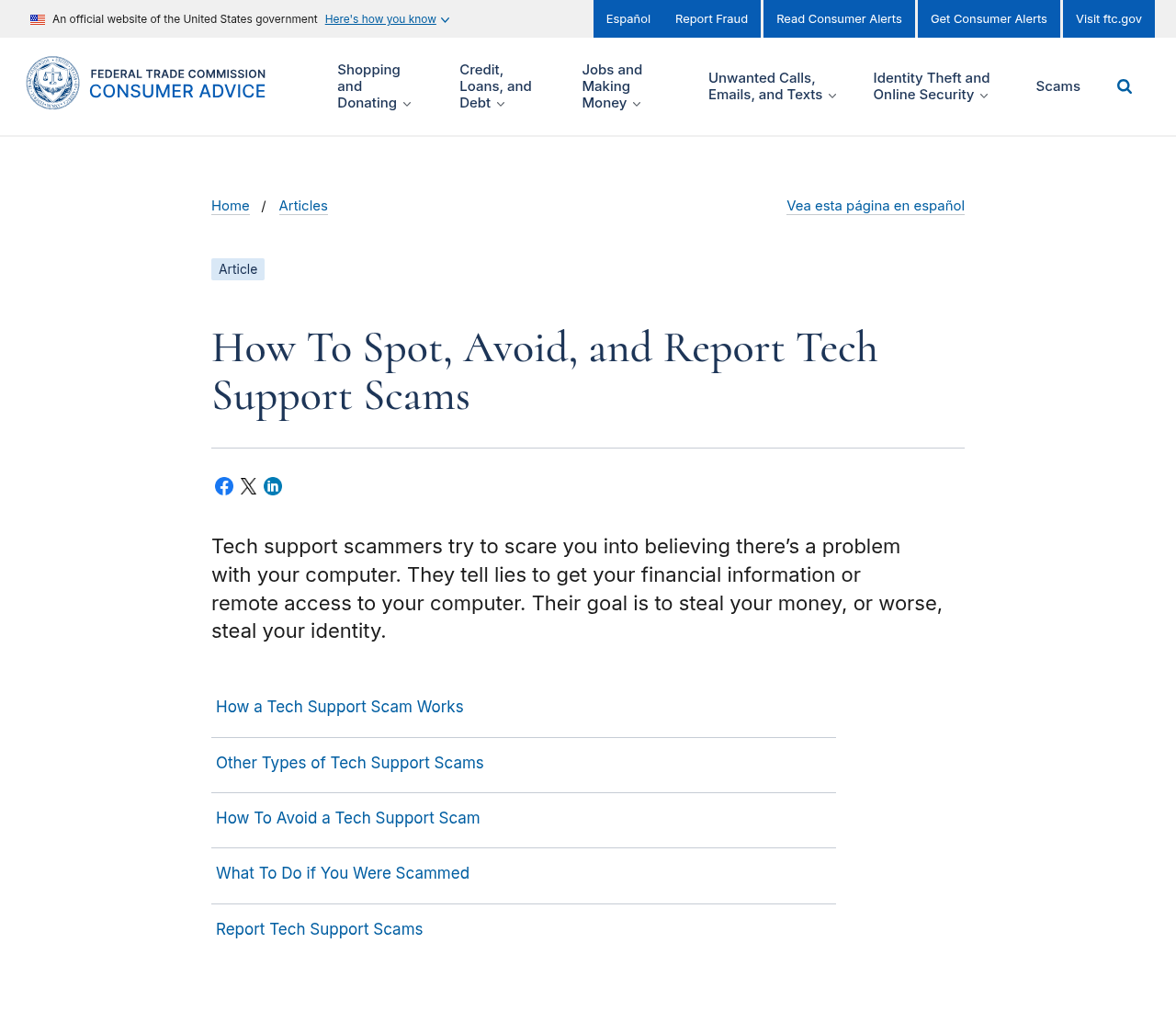
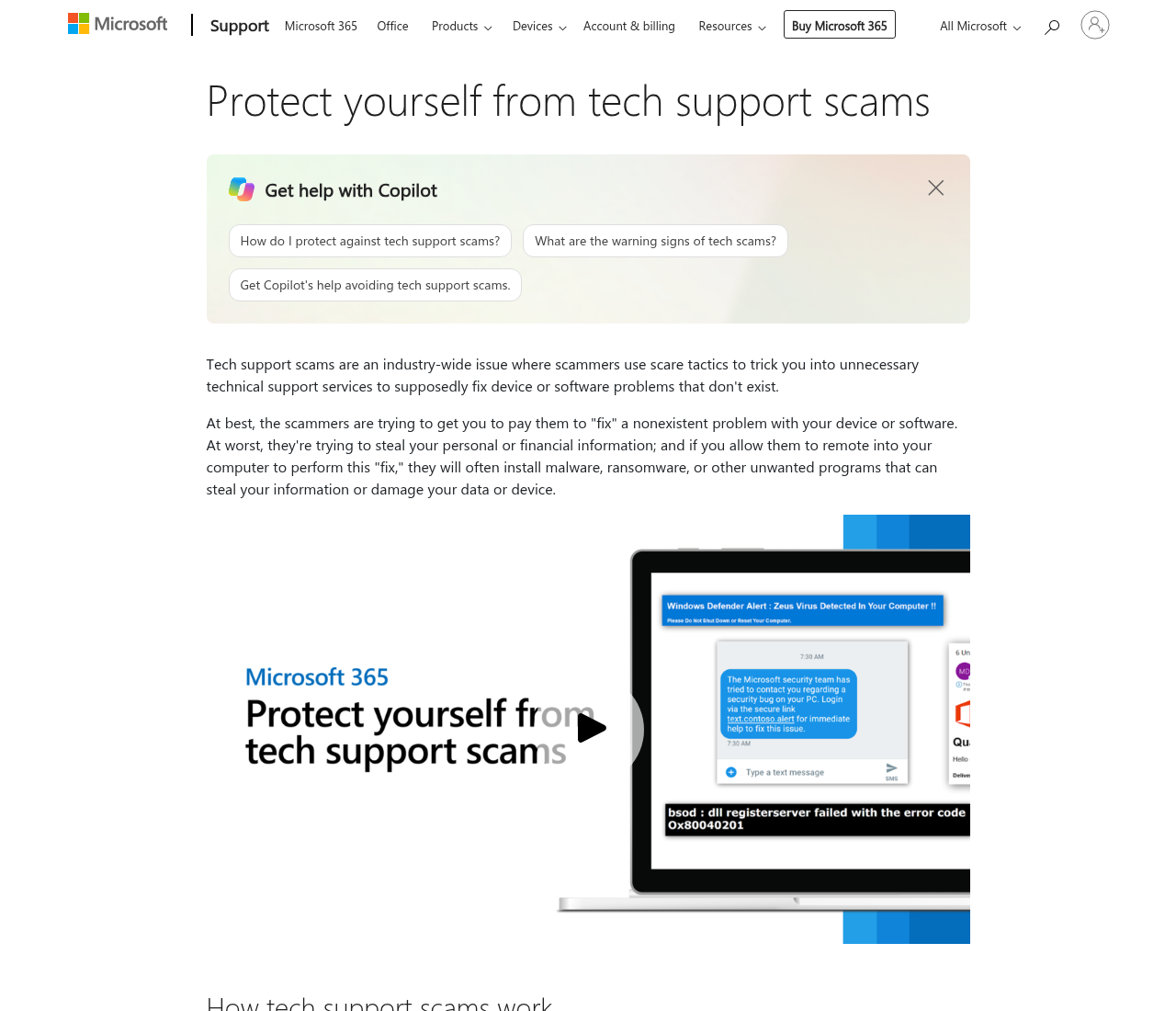
Real Windows alerts do not take over Chrome or Edge with a siren and a phone number. The FTC’s consumer page, How to spot, avoid, and report tech support scams, is the official US write-up. Microsoft’s own note is Protect yourself from tech support scams. If the page says “call this number now,” treat it as a scam even if it uses a Microsoft-like logo.
2. It locks the browser so Back does nothing
Scareware often traps the tab with repeated dialogs. That is a web page, not a kernel-level virus. Another tell: the scare changes every boot because the page is just a new tab or a hijacked shortcut, not a single infection that a second antivirus will “unlock.”
3. A countdown is counting to nothing
A ticking clock that says your files will be deleted in 4:59 is theater. We do not use countdowns on this site, and Microsoft does not either. Ignore the timer. Do not type a card number to “stop” it.
4. Grammar and logos do not match Microsoft
Broken English, mixed fonts, and a shield that is almost-but-not the Windows Security icon are cheap tells. Official pages live on microsoft.com or support.microsoft.com. A random page with a blue window is not that.
5. The address bar is not a Microsoft page
Look at the URL before you read the red text. If it is not a Microsoft domain, it is not a Microsoft warning. Press Alt+Tab if the page hid the address bar. Full-screen (F11) can be exited with F11 or Esc.
6. It asks for gift cards or remote-access software
No real vendor asks you to pay a virus fine with gift cards. No real Microsoft agent will tell you to install AnyDesk, TeamViewer, or “support” software from a popup. Hang up if you already called. Report the attempt at reportfraud.ftc.gov. If money or an account may already be gone, use IdentityTheft.gov as well.
7. Task Manager can close it
Press Ctrl+Shift+Esc. End the browser task. If the scare returns when you reopen the browser, it is a pinned tab, a homepage hijack, or a desktop shortcut — not proof you must buy a suite. Clear the hijack as in step 7 of our 9-step cleanup. Then run a scan in Windows Security. If detections return, use Defender Offline from that same guide.
8. A real warning lives in Windows Security
Open Windows Security from the Start menu — not from a link in the scare page. Virus & threat protection shows official detections. A clean Protection history plus a browser trap is a scam page, not a failed paid product. After the popup is dead, lock the router: unique admin password, WPA2/WPA3, no WPS. That work is in how to check if your home Wi-Fi is safe and the home privacy checklist. A Wi-Fi inspector is an optional extra after those steps, not the way you close a fake alert.
Stay on Microsoft Defender if the scan is clean. A paid Wi-Fi inspector is optional after you kill the popup and lock the router — not as the fix for the scare itself.