 Cyber
Cyber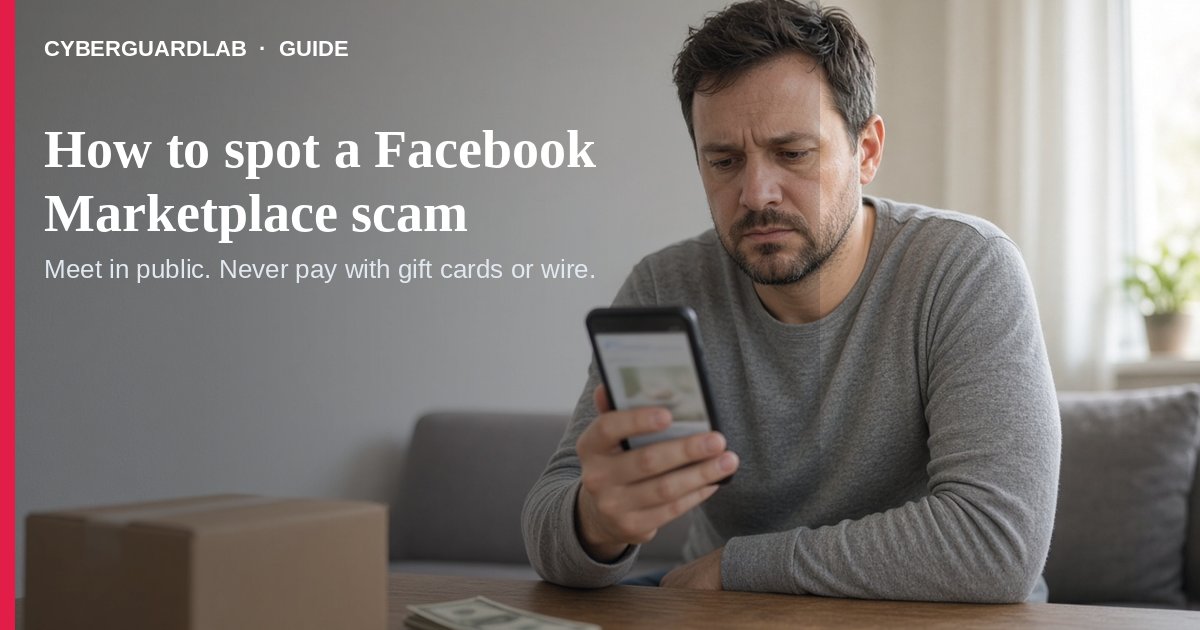
Facebook Marketplace (and similar local buy/sell apps) connect neighbors — and scammers. The FTC names Facebook Marketplace and Craigslist as places where fake buyers push mobile-payment tricks, overpayment checks, and verification-code grabs. Buyers get hit when sellers demand payment outside the platform’s protected rails.
This guide covers local Marketplace buy/sell scams, not vacation rental scams or fake car-dealership websites. No purchase required.
1. Red flags when you are selling
- A “buyer” insists on a mobile payment app, then sends a fake payment notification and asks you to ship or hand over the item before the money is real (FTC selling-online alert).
- They claim they overpaid and ask you to refund the “extra” — a classic reverse-payment play.
- They offer a check for more than the asking price and tell you to deposit it and wire or send the difference back — that is a fake check scam (FTC fake check scams).
- They ask for a Google Voice (or any) verification code “to prove you’re real.” Sharing that code can link a Voice number to your phone so scammers can rip off others under your identity (FTC Google Voice scam alert).
2. Red flags when you are buying
- The seller wants you to pay outside the marketplace payment system — you lose whatever buyer protection the site offers (FTC buying from an online marketplace).
- Payment must be gift cards, wire (MoneyGram/Western Union), cash-reload cards, or crypto — the FTC says those are like sending cash you cannot reverse. Same pattern as gift card scams.
- Only stock photos, no clear contact path, or a brand-new account pushing a “too good to be true” price on an expensive item.
- Pressure to decide now, move the chat off-platform, or skip reading return/refund rules — treat unexpected links like phishing.
3. Safer habits (buy-nothing)
- Prefer local meetups in a public place and cash when the platform recommends it for person-to-person sales (FTC selling-online alert).
- If you buy remote, use credit card or a marketplace payment method with buyer protection — never gift cards or wires (FTC marketplace guide; also FTC online shopping).
- Never deposit an overpayment check or share a verification code you did not request yourself.
- Keep photos, chat logs, and receipts. If something goes wrong, contact the seller, then the marketplace, dispute a card charge if needed, and report at ReportFraud.ftc.gov — see our report scam to the FTC guide.
FAQ
Is Facebook Marketplace itself a scam?
No. Real neighbors sell real stuff. Scammers abuse the channel. Check payment method and seller behavior before you commit.
Why can’t I take a mobile payment from a stranger?
The FTC warns fake payment notifications are common. Confirm funds in your real balance, not a screenshot or alert the buyer controls.
What if someone asks for my verification code?
Refuse. Codes prove control of your phone or account, not that you are a legitimate seller.
Where do I report a Marketplace scam?
ReportFraud.ftc.gov, the marketplace’s report tools, and your state attorney general if needed. Also see how to report a scam to the FTC.
Do I need paid antivirus to avoid Marketplace scams?
No. Judgment and safer payment habits are enough. Buy-nothing is valid.
If you still want a paid suite
Marketplace scam hygiene does not require paid antivirus. Built-in browser warnings plus cautious habits are a valid buy-nothing stack. If you want multi-device paid protection, use only these on-site paid links: TotalAV (paid link), Norton (paid link), Bitdefender (paid link), McAfee (paid link), Avast (paid link).