 Cyber
Cyber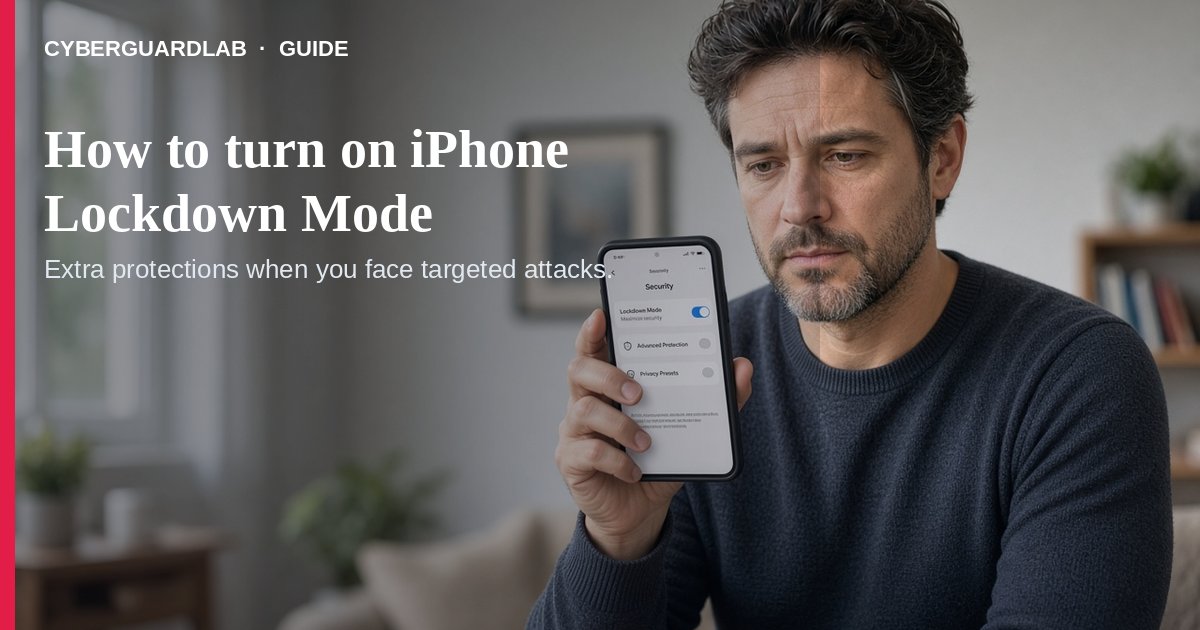
Lockdown Mode is Apple’s optional, extreme protection against rare, highly sophisticated spyware attacks. Apple is explicit: most people are never targeted this way, and the mode intentionally breaks some everyday features (About Lockdown Mode).
This guide is not Stolen Device Protection (theft of a stolen unlocked phone) and not everyday antivirus. No purchase required.
1. Who should consider it
- People who believe they may be personally targeted by mercenary/state-level spyware because of who they are or what they do (Apple Lockdown Mode).
- Everyone else: keep normal updates, strong passcodes, and Stolen Device Protection if you worry about street theft — Lockdown Mode is usually overkill. For a lost phone, use our lost-phone lock checklist.
- Update to the latest iOS/iPadOS/macOS/watchOS first so you get the full protection set (automatic updates).
2. What changes when it is on
- Messages: most attachment types blocked (some images/video/audio allowed); links and previews limited.
- Safari: some complex web tech blocked — sites may load slowly or look broken.
- FaceTime: unknown callers blocked unless you called them in the last 30 days; SharePlay / Live Photos unavailable.
- Wi-Fi / cellular: won’t auto-join non-secure Wi-Fi; 2G/3G off on iPhone/iPad.
- Accessories: unlock the iPhone before connecting to a computer or accessory.
- Phone calls and plain SMS still work; SOS emergency features stay available (Apple Personal Safety / iPhone User Guide).
3. How to turn it on (iPhone)
- Open Settings → Privacy & Security.
- Tap Lockdown Mode → Turn On Lockdown Mode.
- Confirm Turn On Lockdown Mode, then Turn On & Restart, and enter your passcode (Apple steps).
- A paired Apple Watch turns on Lockdown Mode automatically (watchOS 10+). Turn it on separately for iPad and Mac if you use them.
- Only exclude trusted sites/apps/contacts if something critical breaks — exclusions reduce protection.
- Also keep 2FA on Apple / email / bank on. Before selling a device later, wipe it.
FAQ
Should every US household enable Lockdown Mode?
No. Apple designed it for a very small group facing extreme targeted threats. Most families should not live in Lockdown Mode day to day.
Is Lockdown Mode the same as Stolen Device Protection?
No. Stolen Device Protection slows Apple ID changes after theft. Lockdown Mode hardens against sophisticated spyware. See Stolen Device Protection.
Will banking apps and websites still work?
Often yes, but some sites break. You can temporarily exclude a trusted site in Safari settings — only if necessary.
How do I turn it off?
Same Settings path: Privacy & Security → Lockdown Mode → turn it off (device will restart as prompted).
Do I need paid antivirus instead?
Not for this threat model. Lockdown Mode is free Apple tooling. Buy-nothing (updates + passcode + SDP) is valid for typical households — same idea as Microsoft Defender on Windows for everyday risk.
If you still want a paid suite
iPhone Lockdown Mode does not require paid antivirus. If your household also runs Windows/Android PCs and wants a paid suite, use only these on-site paid links: TotalAV (paid link), Norton (paid link), Bitdefender (paid link), McAfee (paid link), Avast (paid link).