 Cyber
Cyber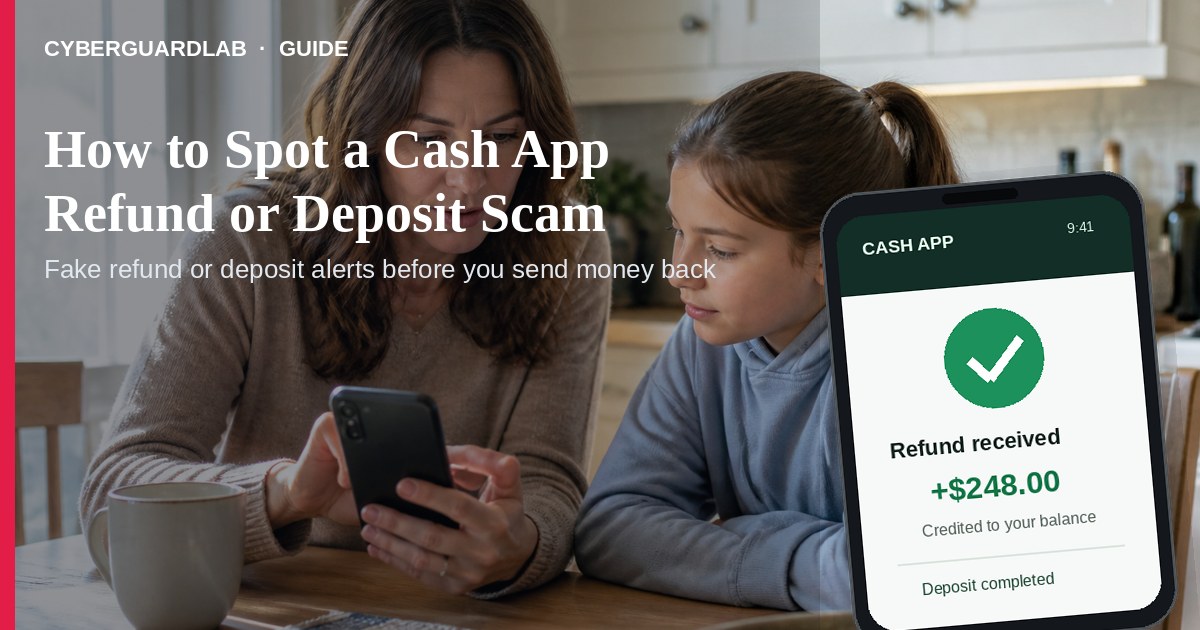
A Cash App refund or deposit scam is a confidence trick built around money that supposedly landed in your account. A stranger may claim they overpaid for an item, a merchant sent a refund, or a deposit is waiting to be unlocked. The goal is to make you send “the extra,” pay a release fee, click a fake login link, or hand over a code before you verify what really happened.
This guide covers fake refund, fake deposit, and “overpaid you” scripts. It is distinct from send-money scams on Zelle or Cash App, where the main trick is persuading you to initiate a cash-like transfer. It also overlaps with fake check overpayment scams and gift card pressure. No software purchase required.
1. How refund and deposit scripts work
The wording changes, but the sequence is usually the same: an unexpected credit creates urgency, then the stranger tells you what to do with money or account access.
- Fake buyer overpays — A buyer appears to pay for an item and says the amount was too large. They send a screenshot or notification and ask you to refund the difference before you have independently verified the transaction. If the original payment is fake, reversed, disputed, or tied to a compromised account, your separate refund can be the real loss.
- Fake merchant refund — A text, email, or call claims a store or marketplace refunded you through Cash App. The sender may ask you to “confirm” with a small payment, a PIN, or a one-time code. A legitimate refund does not require you to pay a stranger to receive it.
- Fake deposit notification — A lookalike message says Cash App or your bank deposited money. A link leads to a fake sign-in page that collects your password, payment-app details, or banking information. This is the phishing version of the same story (FTC phishing guidance).
- “Unlock the deposit” — Someone says the money is on hold, the account needs verification, or a transfer will clear only after you send a fee or move funds to another account. They may pose as Cash App support, a bank employee, a buyer, or a helpful friend.
- Follow-up transfer — Once you act, the scammer may ask for another payment, a gift card, a login, or a code. Payment-app transfers can be difficult to recover, so the fake credit is mainly bait for a separate real transfer (FTC payment-app alert).
2. Red flags before you send money or share a code
- Someone says a refund or deposit works only if you send money back first, pay a fee, or move funds to a “safe” or “temporary” account.
- The only proof is a screenshot, email, or text — not a transaction you can see by opening Cash App yourself. Treat even a realistic notification as unverified.
- A stranger asks you to refund a buyer’s overpayment before you have verified the payment and understood its status. Do not spend or send a separate payment just to make the story go away.
- A message tells you to log in through a link to claim a refund, fix a deposit, or verify your identity. The FTC recommends avoiding unexpected links and contacting a company through a website or app you know is real (How to recognize and avoid phishing scams).
- “Support” asks for your password, PIN, one-time code, or full debit-card details. A caller who contacted you first has not earned trust by knowing your name or the last four digits of a card.
- There is a countdown, secrecy request, threat, or pressure to leave the app and continue by text, phone, or social media.
- The message mixes a supposed refund with gift cards, cryptocurrency, wire transfers, or a request to buy equipment. That is not a normal refund path.
- The story resembles a fake check overpayment: accept a large credit, send some back, and trust that the original money is final. The original credit may not be safe to spend.
3. Safer habits (buy-nothing)
- Open Cash App yourself. Use the official app icon on your phone, not a link in a text, email, or DM. Check Activity and the balance shown there. If the app does not show the transaction, do not treat the message as proof.
- Do not make a separate refund in a hurry. Keep an unexpected payment untouched while you verify it. Do not ship an item, send “the extra,” or move money to another account because a stranger says the first payment is pending.
- Use an independent support path. Close the message and use in-app Cash App support. For a linked bank or debit card, call the number on the card or statement — not a number supplied in the alert (FTC payment-app guidance).
- Never share access codes. A Cash App PIN, login password, or one-time code is not proof that you are entitled to a refund. Keep it private even if the caller says the code protects your account.
- Separate the sale from the payment story. For a marketplace sale, verify the buyer and the actual transaction in your account. If the payment story becomes complicated or urgent, cancel the sale rather than improvising a refund.
- Turn on the security features already available in your app, phone, email, and bank account: a screen lock, strong unique passwords, and two-factor authentication where offered. These reduce account-takeover risk but do not make a suspicious refund legitimate.
4. If you already sent money or shared a code
- Contact Cash App immediately. Report the payment or account issue through the official app and ask what reversal or dispute options apply. Do not wait for the stranger to “fix” it.
- Call your bank or credit union if a linked debit card or bank account was charged, accessed, or exposed. Use a number from your card, statement, or official banking app. Explain that the transfer was caused by a scam and ask what protective steps are available (FTC guidance on what to do if you were scammed).
- Secure exposed accounts. Change the Cash App password and the password for the email account connected to it. Change any reused password and turn on two-factor authentication. If a one-time code was shared, say so when you contact the provider.
- Review activity. Look for unfamiliar Cash App transactions, bank transfers, new payees, linked accounts, devices, or recovery changes. Remove access you do not recognize and keep checking statements.
- Preserve evidence. Save screenshots, the profile or phone number, emails, URLs, chat logs, transaction IDs, and times. Do not delete the conversation before reporting it.
- If the linked bank account itself appears compromised, follow our bank account hacked — first hour checklist. For broader reporting steps, see how to report a scam to the FTC and ReportFraud.ftc.gov.
- Be wary of “recovery” callers who promise to retrieve the money for an upfront fee. A second scam often follows the first.
FAQ
Is Cash App itself a scam?
No. People use Cash App legitimately. The scam is the story around a supposed refund or deposit, plus the pressure to send money or disclose access information.
Is a payment screenshot proof that a deposit arrived?
No. A screenshot, email, or text can be forged. Open Cash App yourself and check Activity and your balance; if anything is unclear, use official in-app support.
Should I send back an unexpected Cash App payment?
Do not send a separate payment because a stranger tells you to. Pause, keep the funds untouched, and ask Cash App through its official support path what to do. Do not spend money you do not recognize.
Can Cash App support ask me to send money to release a refund?
Treat an unexpected request to send money, buy a gift card, or share a PIN or one-time code as a scam signal. Close the conversation and use official in-app help instead.
What if a buyer says they overpaid?
Do not refund the difference from your own money based on a screenshot or urgent message. Stop the sale, verify independently, and be willing to cancel it; overpayment stories also overlap with fake check scams.
Do I need paid antivirus to avoid a Cash App refund scam?
No. Opening the app yourself, verifying funds, refusing surprise payment instructions, and not sharing codes are enough. Buy-nothing is valid.
If you still want a paid suite
Avoiding a fake Cash App refund or deposit does not require paid antivirus. Cautious payment habits, account alerts, and official support paths are a valid buy-nothing stack. If you want multi-device paid protection later, use only these on-site paid links: TotalAV (paid link), Norton (paid link), Bitdefender (paid link), McAfee (paid link), Avast (paid link).